One-off and ongoing costs
A digital signage budget usually has two parts.
- One-off: screens, media players (if not built in), mounts or stands, cabling and installation
- Ongoing: CMS software licences, usually per screen per month or year, plus optional support or content services
Screen size
Larger screens cost more, and the increase isn't linear: very large displays carry a significant premium. Choosing a size based on real viewing distance avoids paying for more screen than you need.
Brightness
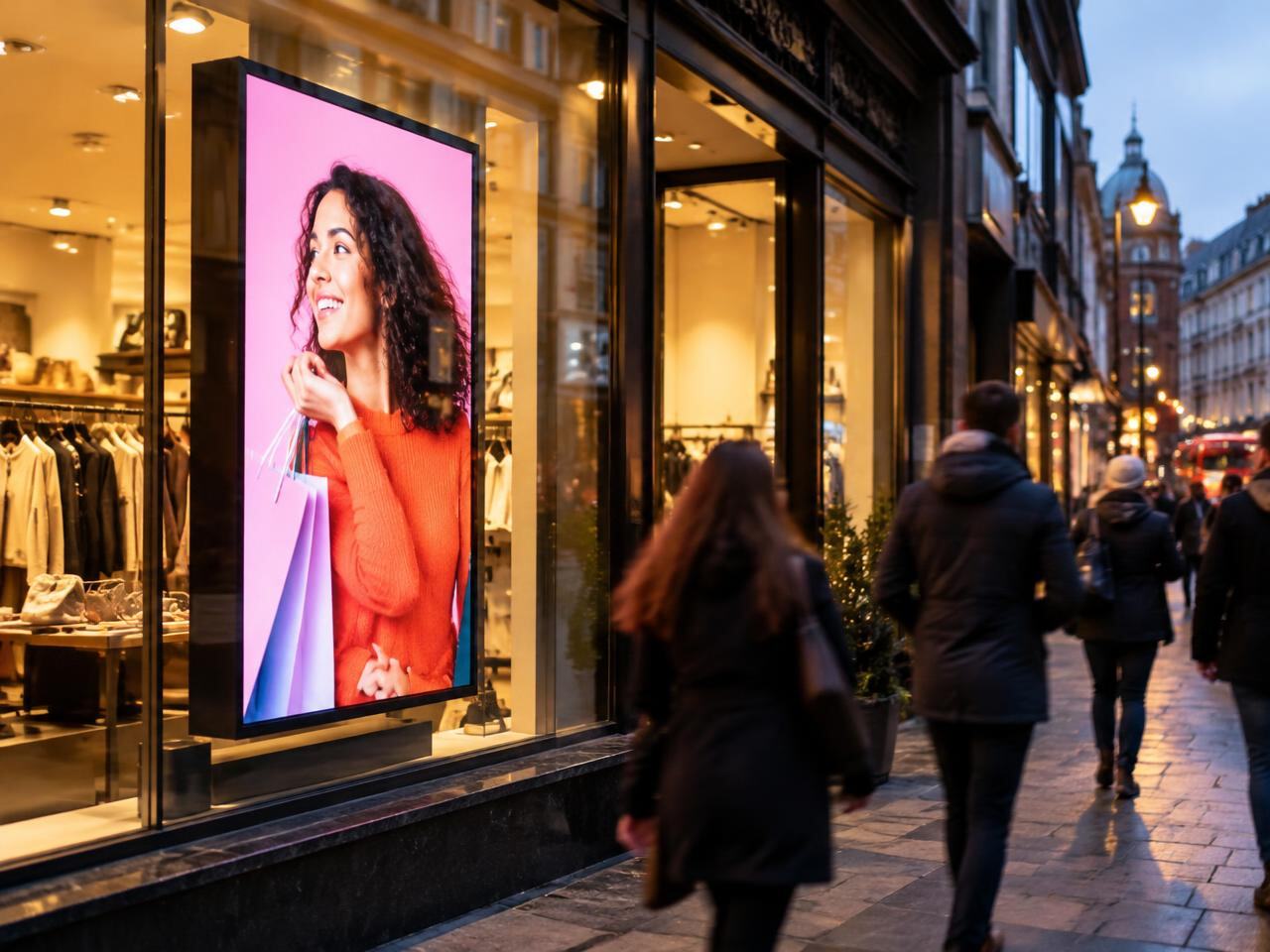
Brightness is one of the biggest cost drivers. Standard indoor screens are the most economical. High-brightness window displays, designed to be readable in daylight, cost more. Outdoor screens, which also need weatherproofing, cost more again.
Content management (CMS)
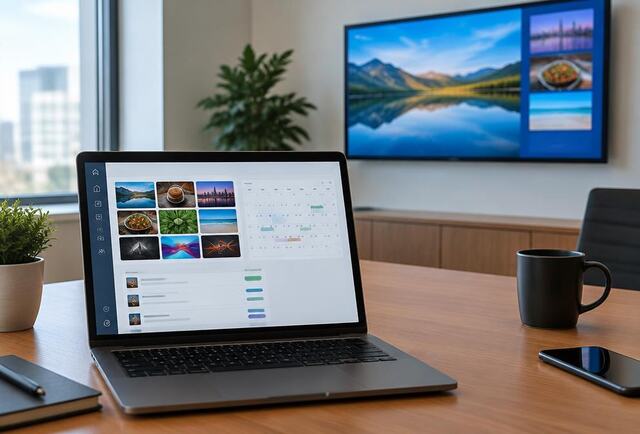
Cloud CMS platforms are normally a subscription per screen. Costs vary with features such as multi-user permissions, scheduling depth, data integrations and support levels. Over several years the subscription can be a meaningful part of total cost, so it is worth comparing like for like.
Installation
Installation cost depends on the site: wall construction, mounting height, whether power and data are already in place, access restrictions, working hours (for example out-of-hours installation in trading premises), and whether a site survey is needed.
Number of screens and sites
More screens and more sites increase the total, but standardising hardware and planning a phased rollout reduces cost per site and simplifies support.