Solutions
Digital signage solutions for UK businesses
A working digital signage system is more than a screen on a wall. It combines the right display, a media player, content management software, a sound installation and support afterwards. We supply and manage all of it as one project.
How a complete solution fits together
Each part depends on the others. We manage them together so you have one supplier responsible for the result.
- Step 1
Plan
We discuss what you want screens to achieve, where they'll go and who will manage content. A site survey is arranged where needed.
- Step 2
Hardware
Commercial displays specified for each location: indoor, high-brightness window, outdoor or touch, plus media players and mounts.
- Step 3
Content management
A cloud CMS so you can upload, schedule and publish content to any screen from a web browser.
- Step 4
Installation
Mounting, cabling and set-up, scheduled around your trading hours, with multi-site programmes managed as a single project.
- Step 5
Support
Help after installation with the hardware and software, so the screens keep doing their job.
Solution categories
 Illustrative image
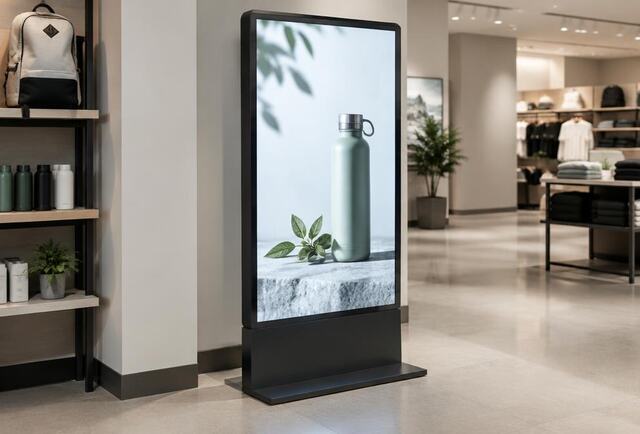
Indoor digital advertising screens
Wall-mounted, ceiling-hung and freestanding screens for promotions inside your premises.
 Illustrative image
Shop window digital signage
High-brightness window displays that stay readable in daylight and attract passing trade.
 Illustrative image
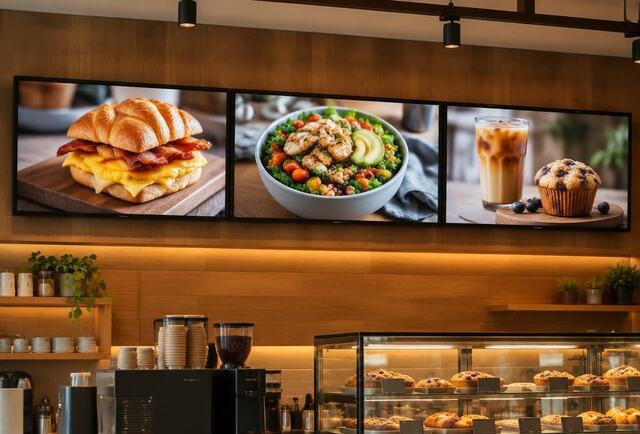
Digital menu boards
Menu screens you can update centrally, with daypart scheduling and quick price changes.
 Illustrative image
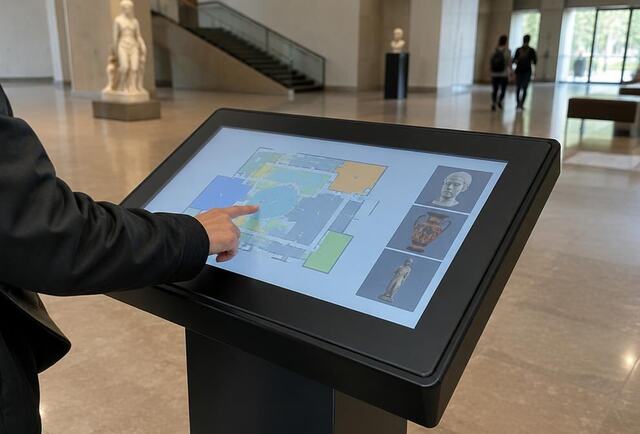
Interactive touchscreens and kiosks
Touchscreen displays and kiosks for wayfinding, information, browsing and self-service.
 Illustrative image
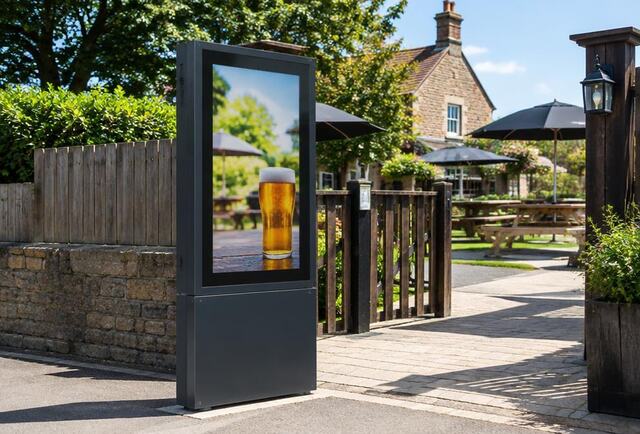
Outdoor digital signage
Weather-rated outdoor displays where the location and planning allow.
 Illustrative image
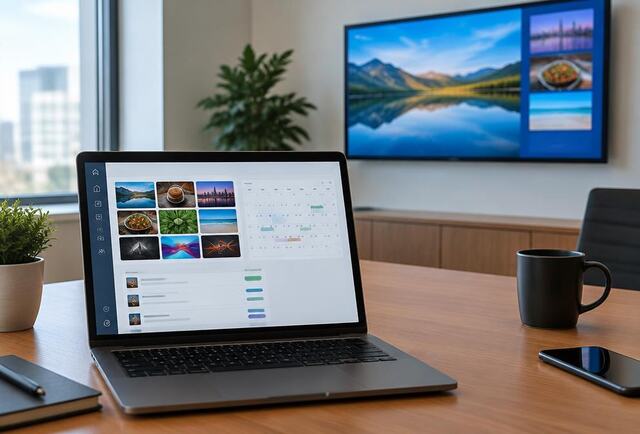
Cloud content management (CMS)
Publish, schedule and monitor content on every screen from a web browser.
 Illustrative image
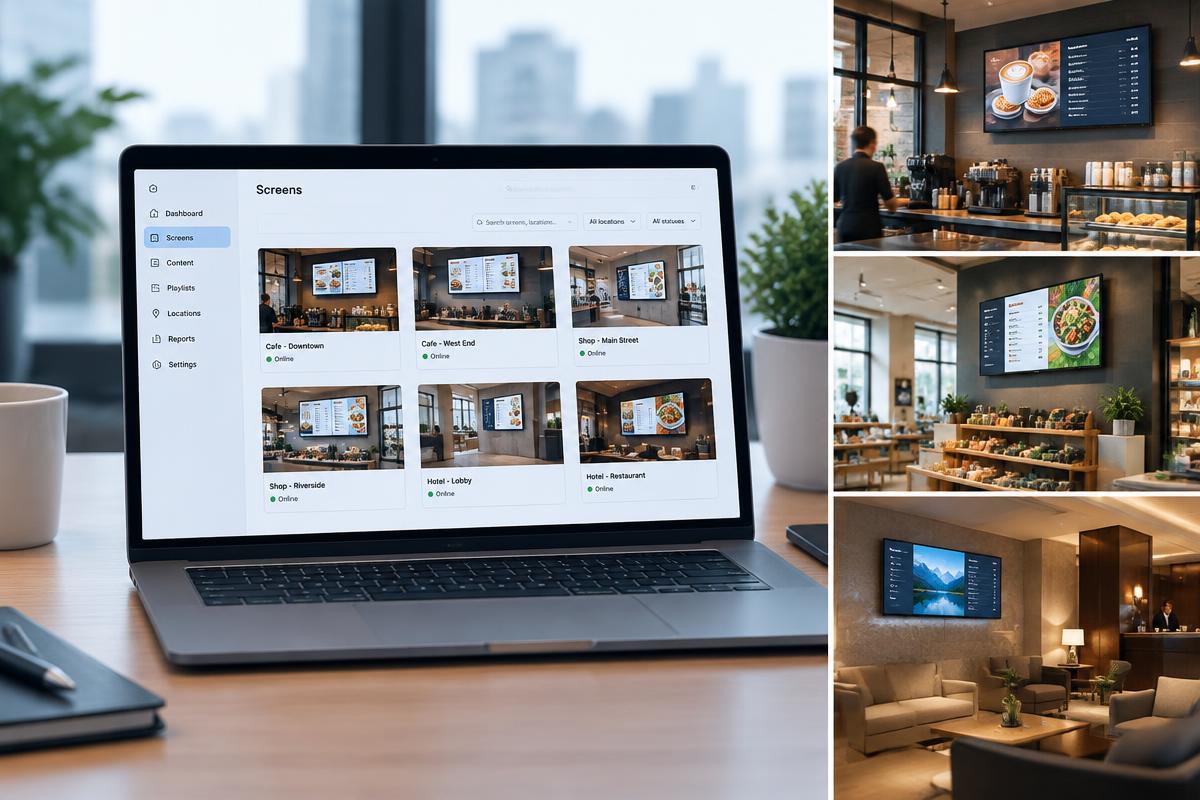
Multi-site digital signage
Planning, rollout and central control for screens across many locations.
Find solutions for your sector
- Pubs and hospitality
- Retail
- Garden centres and farm shops
- Restaurants and cafés
- Hotels
- Estate agents
- Local authorities
- Charity retail
- Visitor attractions
New to digital signage? Start with what is digital signage?
Frequently asked questions
What is the difference between a commercial display and a TV?
Commercial displays are designed for long daily operating hours, offer higher brightness options and are supported for business use. Consumer TVs are designed for occasional home viewing, and their warranties may not cover commercial use.
Can I update the content myself?
Yes. A cloud content management system lets you upload images and video, build playlists and schedule content from a web browser without visiting the screen.
Do you only supply hardware?
We can supply hardware alone, but most customers prefer a complete solution covering screens, software, installation and support so one supplier is responsible for it working.
Tell us about your project
Share a few details and we'll get back to you to discuss screens, software and installation.